Import your PNGs
Turn any PNG into a sprite or a voxel slice, snapped to your palette.

Pixel art with an agent at your side
Everything you draw sprites with, plus a built-in MCP server and real 3D. Free, open source and native on your Mac.
Free for macOS 13 or later, on Apple silicon and Intel.
 OpenPixelPirate Treasure ChestSaved
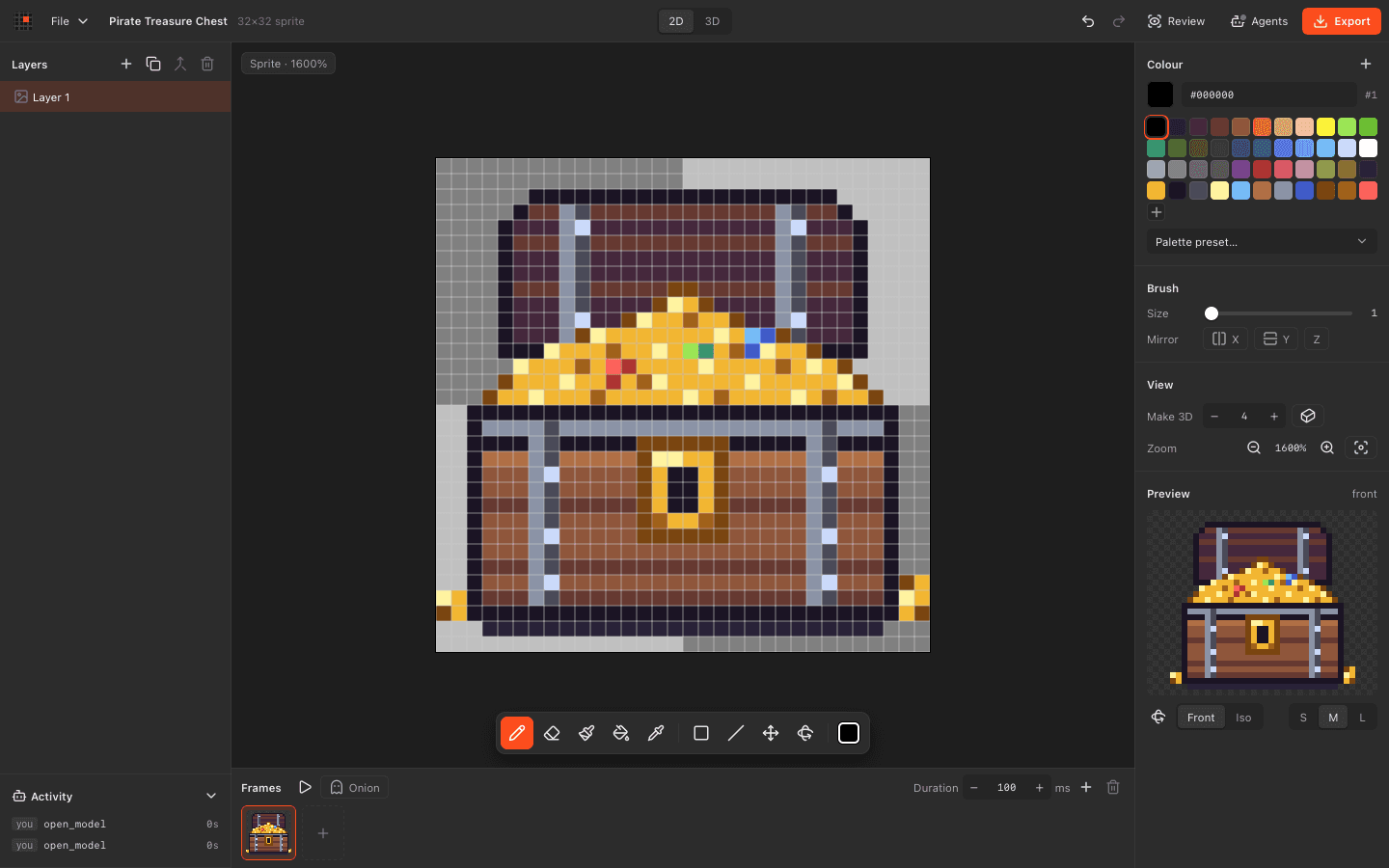
Agents draw with you. Sprites turn 3D. And it costs nothing.
| Feature |  OpenPixel | Aseprite |
|---|---|---|
| Let AI agents draw over MCP | Third-party tools | |
| Watch agent edits live and undo them | ||
| Model in 3D voxels | ||
| Turn a sprite into a 3D model | ||
| Animate with layers, frames and onion skin | ||
| Export sprite sheets and GIFs | ||
| Export MagicaVoxel .vox and OBJ | ||
| Automate from scripts | MCP, headless mode | Lua, command line |
| Read files as plain JSON | Documented binary format | |
| Use it for free | Paid, or compile it yourself | |
| Open source licence | MIT | Source available, EULA |
| Draw with tilemaps | ||
| Use it on Windows or Linux |
Details about Aseprite come from its own website and store, checked in November 2026. Spotted something out of date? Tell us on GitHub. Aseprite is a trademark of its owner.
Export PNGs or sprite sheets from Aseprite and import them. Keep drawing by hand or hand them to an agent.
Turn any PNG into a sprite or a voxel slice, snapped to your palette.
DawnBringer, PICO-8 and Endesga are built in, or bring your own colours.
Make 3D gives any sprite depth in one click or one tool call.
OpenPixelMushroom houseSaved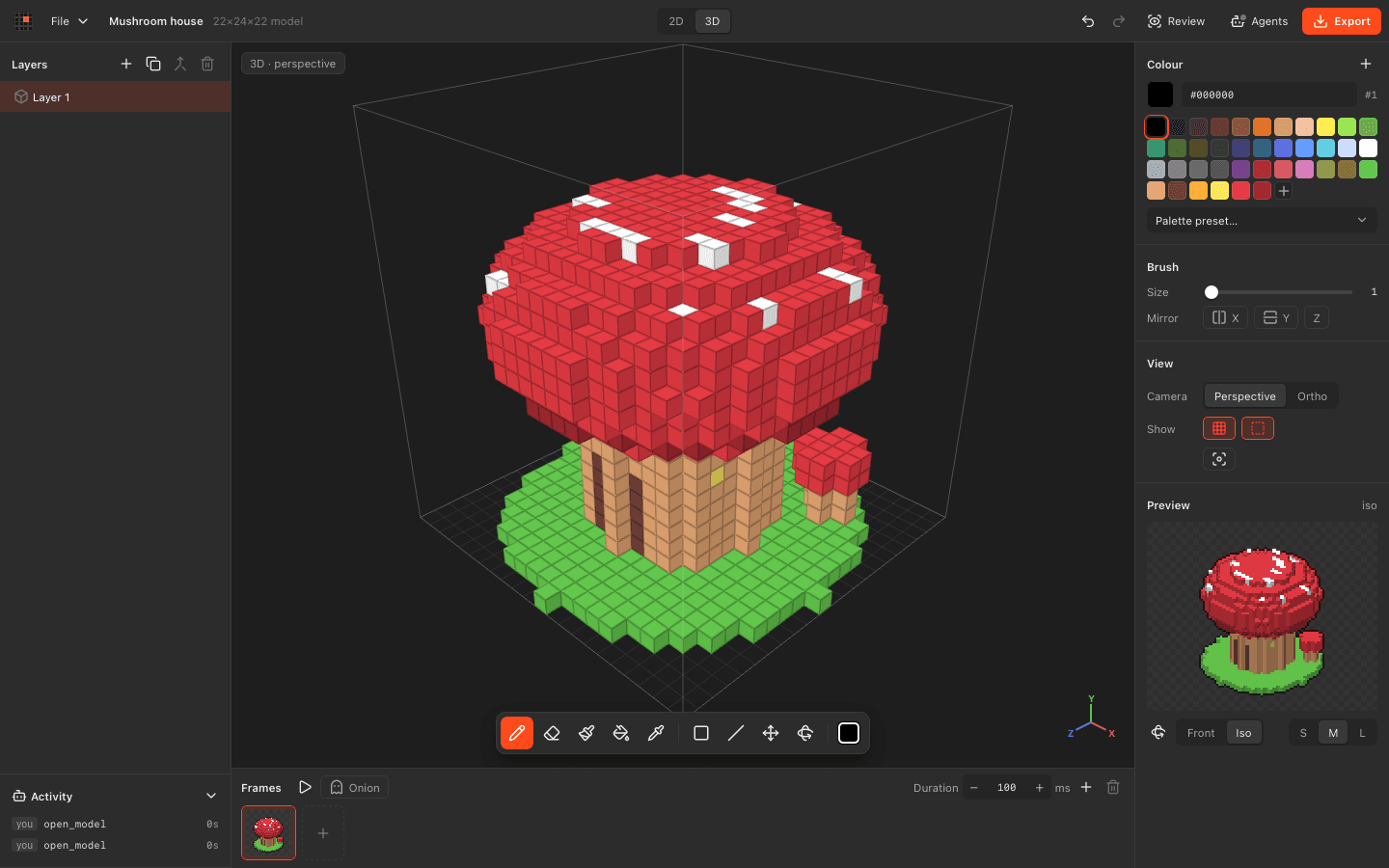 OpenPixelPirate Treasure ChestSaved
Download OpenPixel for macOS. Free and open source, with agents built in.