Open .vox files
Models and palettes open as they are, up to 256 voxels a side.
Voxels, sprites and agents in one Mac app
Goxel is a capable open-source voxel editor. OpenPixel opens and saves the same .vox files, adds 2D sprites and isometric renders, and lets AI agents build with you.
Free for macOS 13 or later, on Apple silicon and Intel.
 OpenPixelPirate Treasure ChestSaved
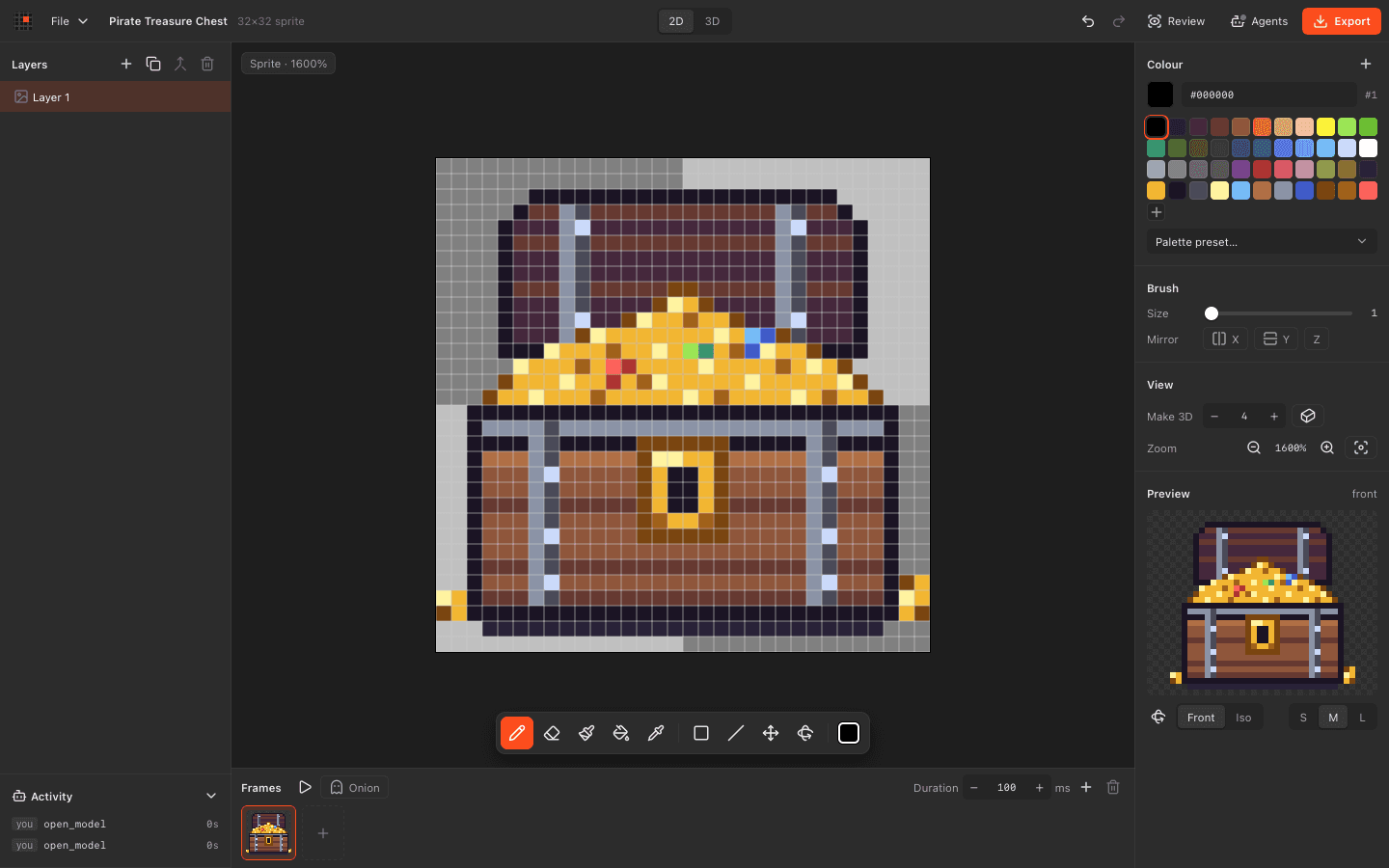
Your .vox files open as they are. Sprites and agents come with them.
| Feature |  OpenPixel | Goxel |
|---|---|---|
| Let AI agents build over MCP | ||
| Watch agent edits live and undo them | ||
| Open and save MagicaVoxel .vox | ||
| Export OBJ | ||
| Draw 2D sprites and animations | ||
| Render isometric pixel-art sprites | 8-angle sprite sheets | PNG renders |
| Read files as plain JSON | ||
| Use it for free | On desktop | |
| Open source licence | MIT | GPL 3.0 |
| Build scenes of any size | Up to 256 voxels a side | |
| Ray-traced renders | ||
| Use it on Windows, Linux or phones |
Details about Goxel come from its own website and store, checked in November 2026. Spotted something out of date? Tell us on GitHub. Goxel is a trademark of its owner.
Export .vox from Goxel and open it here. Then render sprites or let an agent keep building.
Models and palettes open as they are, up to 256 voxels a side.
Turn any model into crisp isometric sprites and 8-angle sheets.
Agents place voxels, spheres and cylinders, then review every angle.
OpenPixelMushroom houseSaved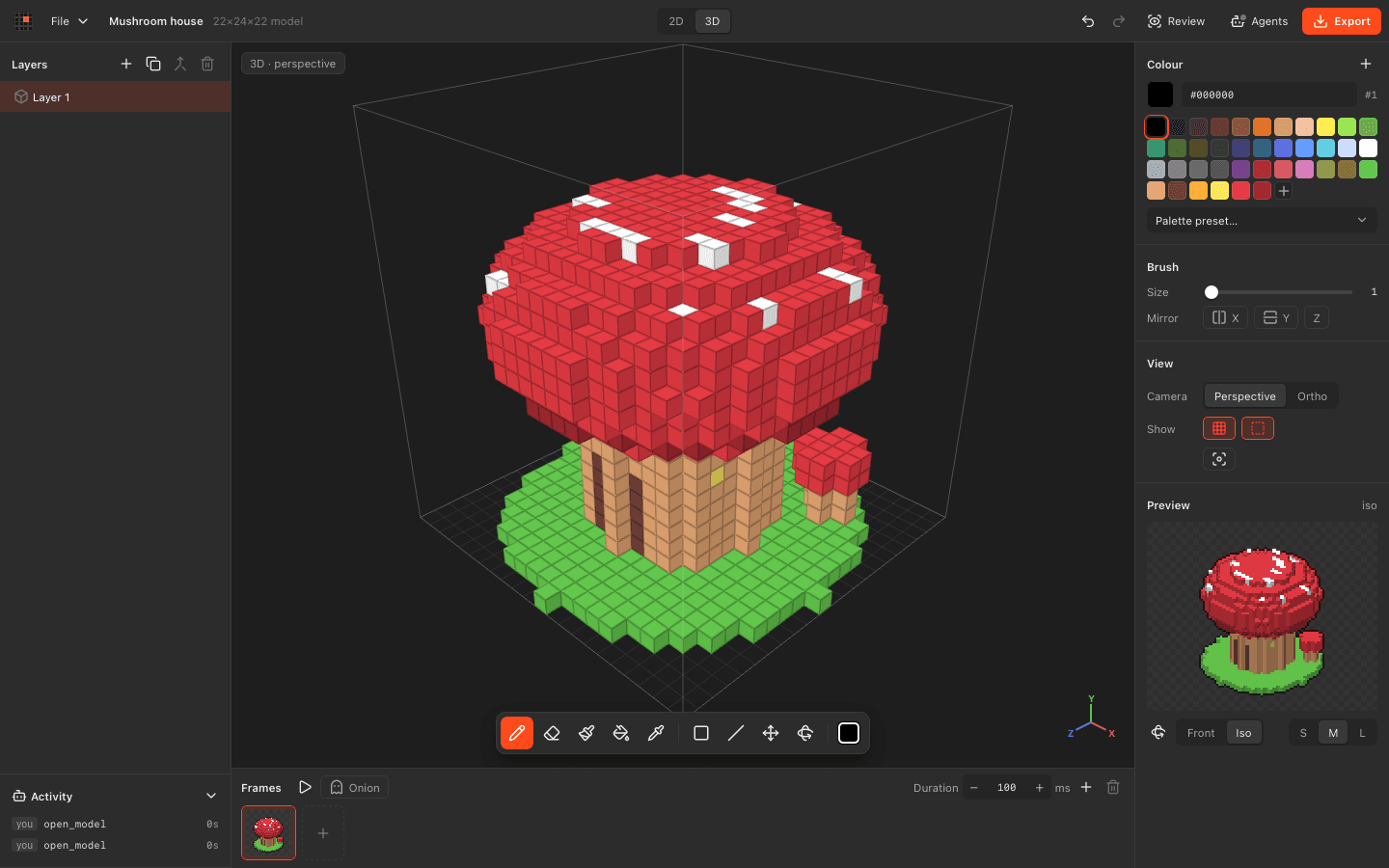 OpenPixelPirate Treasure ChestSaved
Download OpenPixel for macOS. Free and open source, with agents built in.