Import your PNGs
Turn any PNG into a sprite or a voxel slice, snapped to your palette.

Free sprite editing, with agents and 3D
LibreSprite carries on the last open-source version of Aseprite. OpenPixel is free and open source too, with a built-in MCP server, voxel models and a native Swift app.
Free for macOS 13 or later, on Apple silicon and Intel.
 OpenPixelPirate Treasure ChestSaved
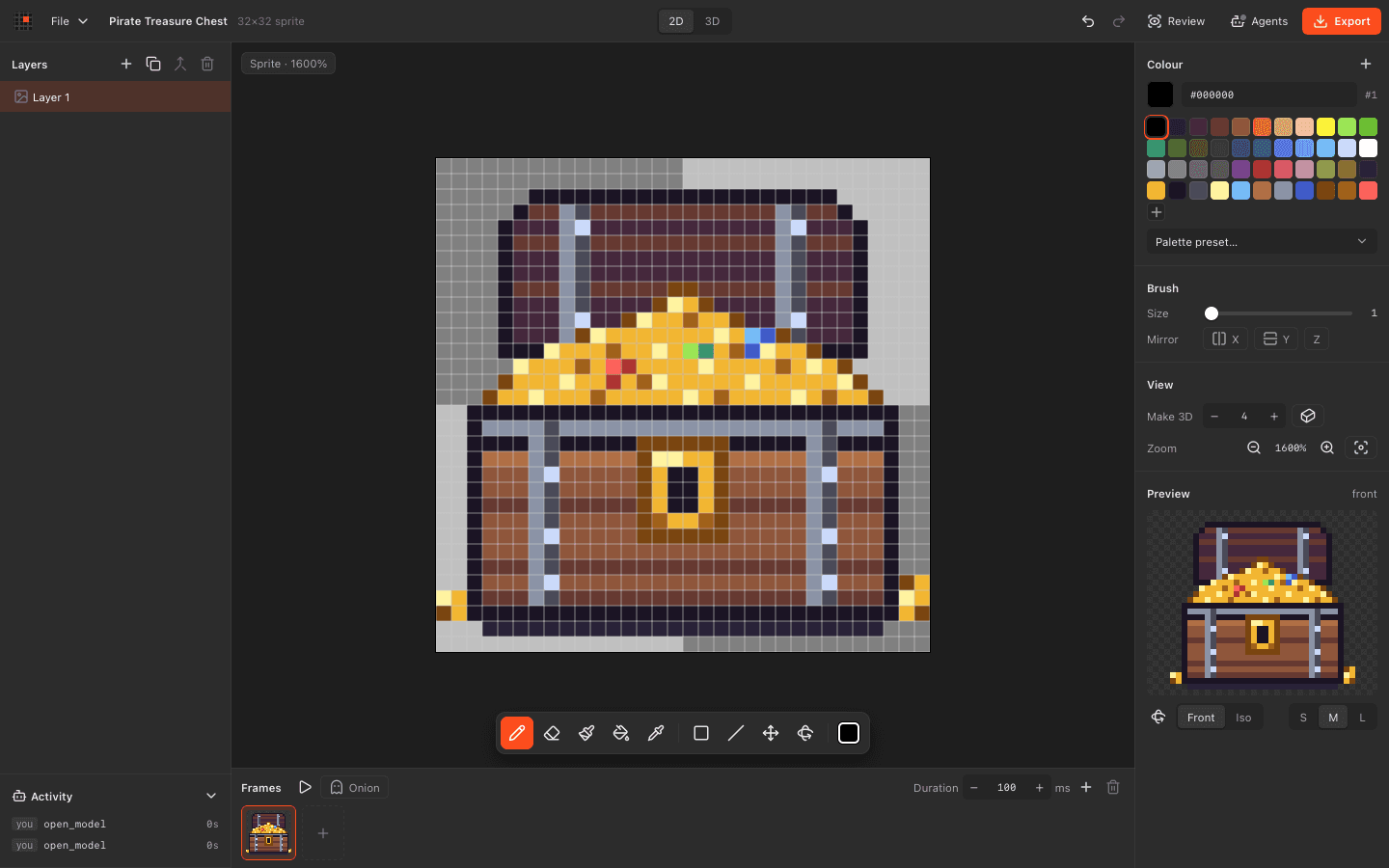
Open source like LibreSprite. Agents and voxels built in.
| Feature |  OpenPixel | LibreSprite |
|---|---|---|
| Let AI agents draw over MCP | ||
| Watch agent edits live and undo them | ||
| Model in 3D voxels | ||
| Turn a sprite into a 3D model | ||
| Animate with layers, frames and onion skin | ||
| Export sprite sheets and GIFs | ||
| Automate from scripts | MCP, headless mode | Scripting API |
| Read files as plain JSON | Documented binary format | |
| Use it for free | ||
| Open source licence | MIT | GPL 2.0 |
| Use it on Windows, Linux or Android |
Details about LibreSprite come from its own website and store, checked in November 2026. Spotted something out of date? Tell us on GitHub. LibreSprite is a trademark of its owner.
Export PNGs or sprite sheets from LibreSprite and import them. Keep animating, or hand them to an agent.
Turn any PNG into a sprite or a voxel slice, snapped to your palette.
Layers, frames, onion skin and per-frame timing work the way you expect.
Ask Claude, Codex or Cursor to draw, review and fix it with you.
OpenPixelMushroom houseSaved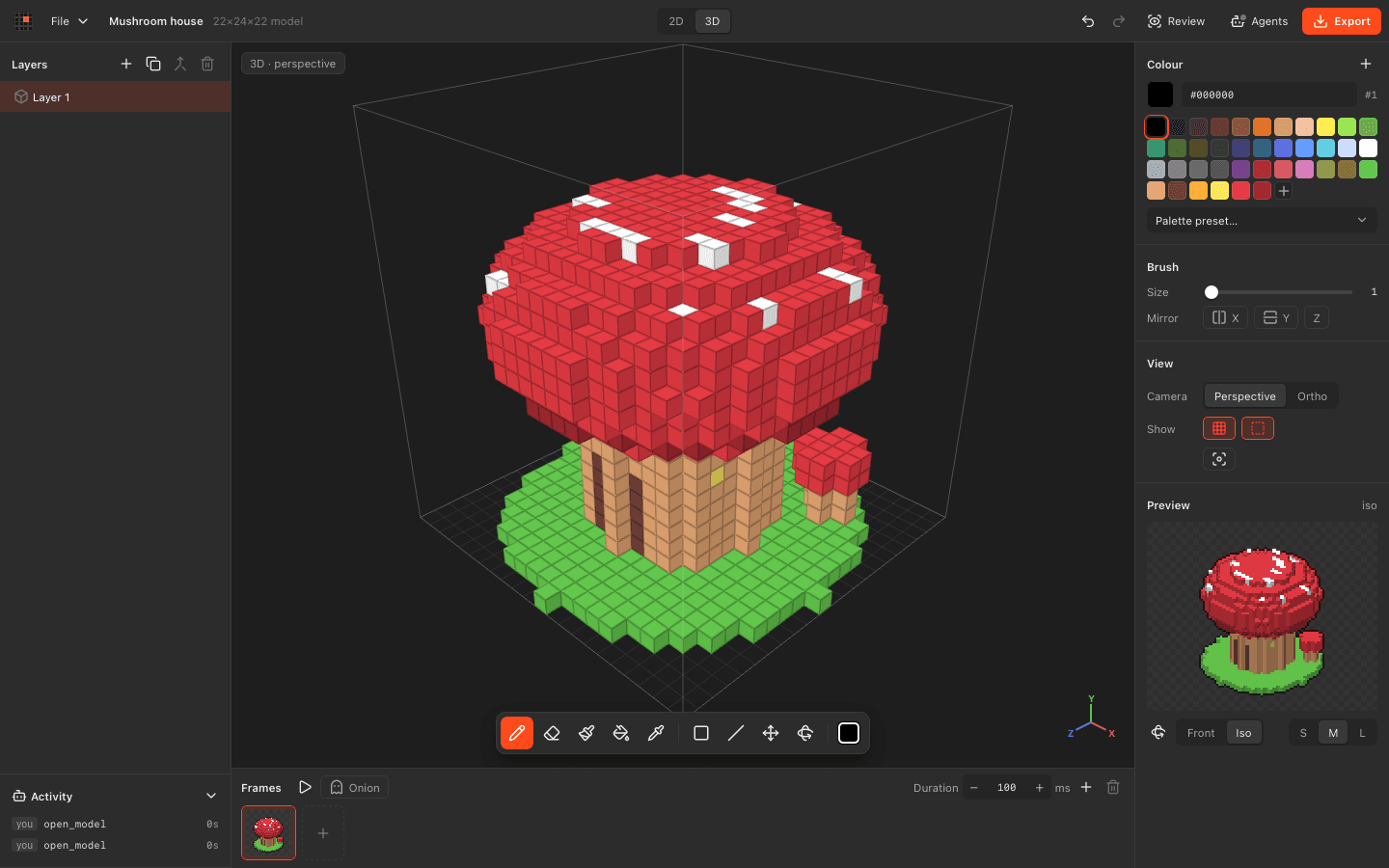 OpenPixelPirate Treasure ChestSaved
Download OpenPixel for macOS. Free and open source, with agents built in.