Import your PNGs
Turn any PNG into a sprite or a voxel slice, snapped to your palette.
Your agent draws, pixel by pixel, on your Mac
PixelLab generates pixel art with its own AI models in the cloud. OpenPixel is a free, open-source editor where the agent you already use draws, reviews and fixes art pixel by pixel on your Mac.
Free for macOS 13 or later, on Apple silicon and Intel.
 OpenPixelPirate Treasure ChestSaved
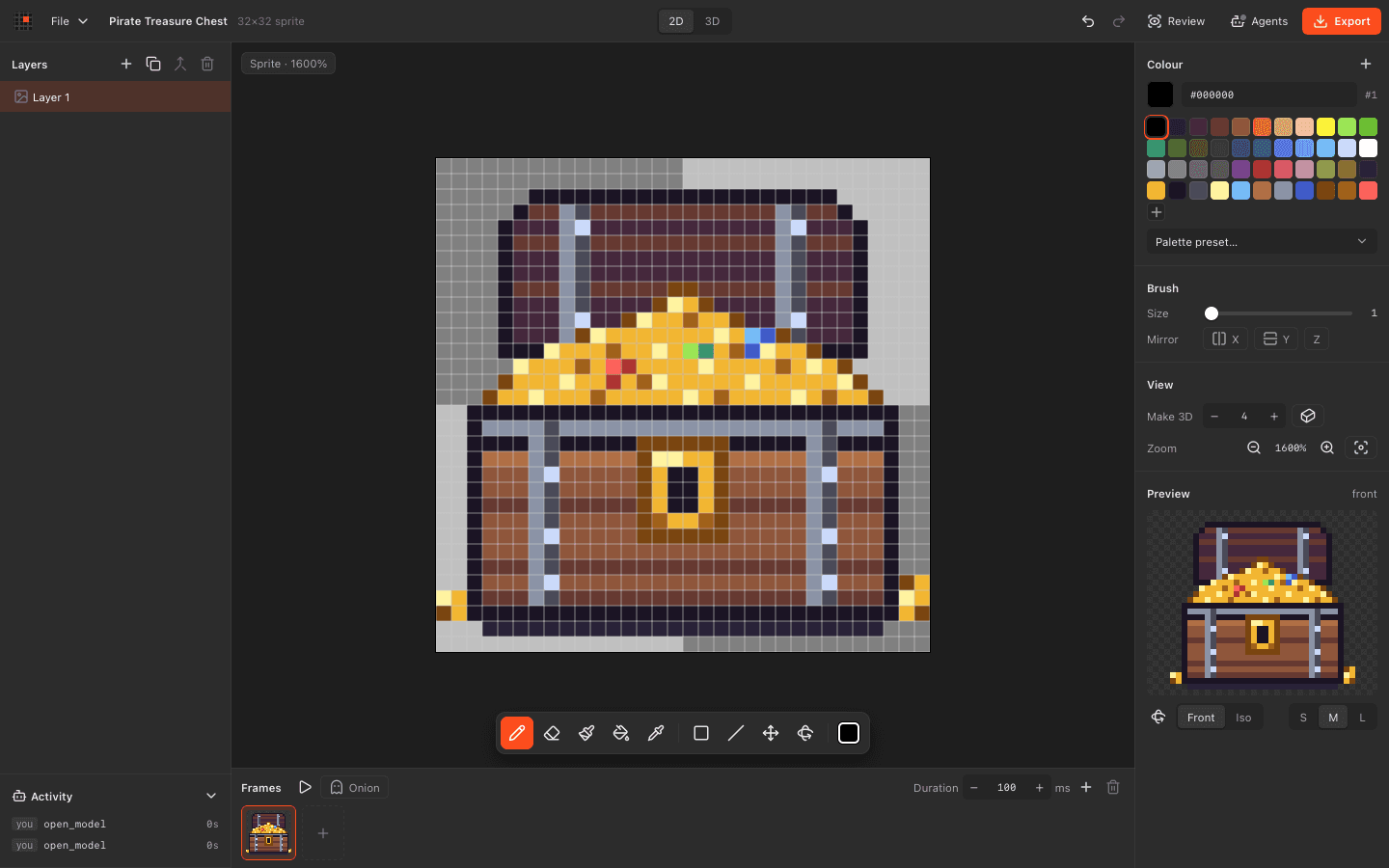
Use the agent you already have. No credits, no subscription, and your files stay local.
| Feature |  OpenPixel | PixelLab |
|---|---|---|
| Let AI agents draw over MCP | Through PixelLab's generator | |
| Agents edit pixel by pixel, in plain view | Agents request generated images | |
| Watch agent edits live and undo them | ||
| Edit by hand in a pixel editor | ||
| Model in 3D voxels | ||
| Work offline, with files on your Mac | Runs on cloud GPUs | |
| Use it for free | Free trial, then paid plans | |
| Open source licence | MIT | |
| Generate art and animation from a prompt | Your agent draws it | |
| Rotate characters to 4 or 8 directions | Voxel models render 8 angles | |
| Use it in a web browser |
Details about PixelLab come from its own website and store, checked in November 2026. Spotted something out of date? Tell us on GitHub. PixelLab is a trademark of its owner.
Export PNGs from PixelLab and import them. Then refine them by hand or with your own agent.
Turn any PNG into a sprite or a voxel slice, snapped to your palette.
Ask Claude, Codex or Cursor to review and fix it, pixel by pixel.
Make 3D gives any sprite depth in one click or one tool call.
OpenPixelMushroom houseSaved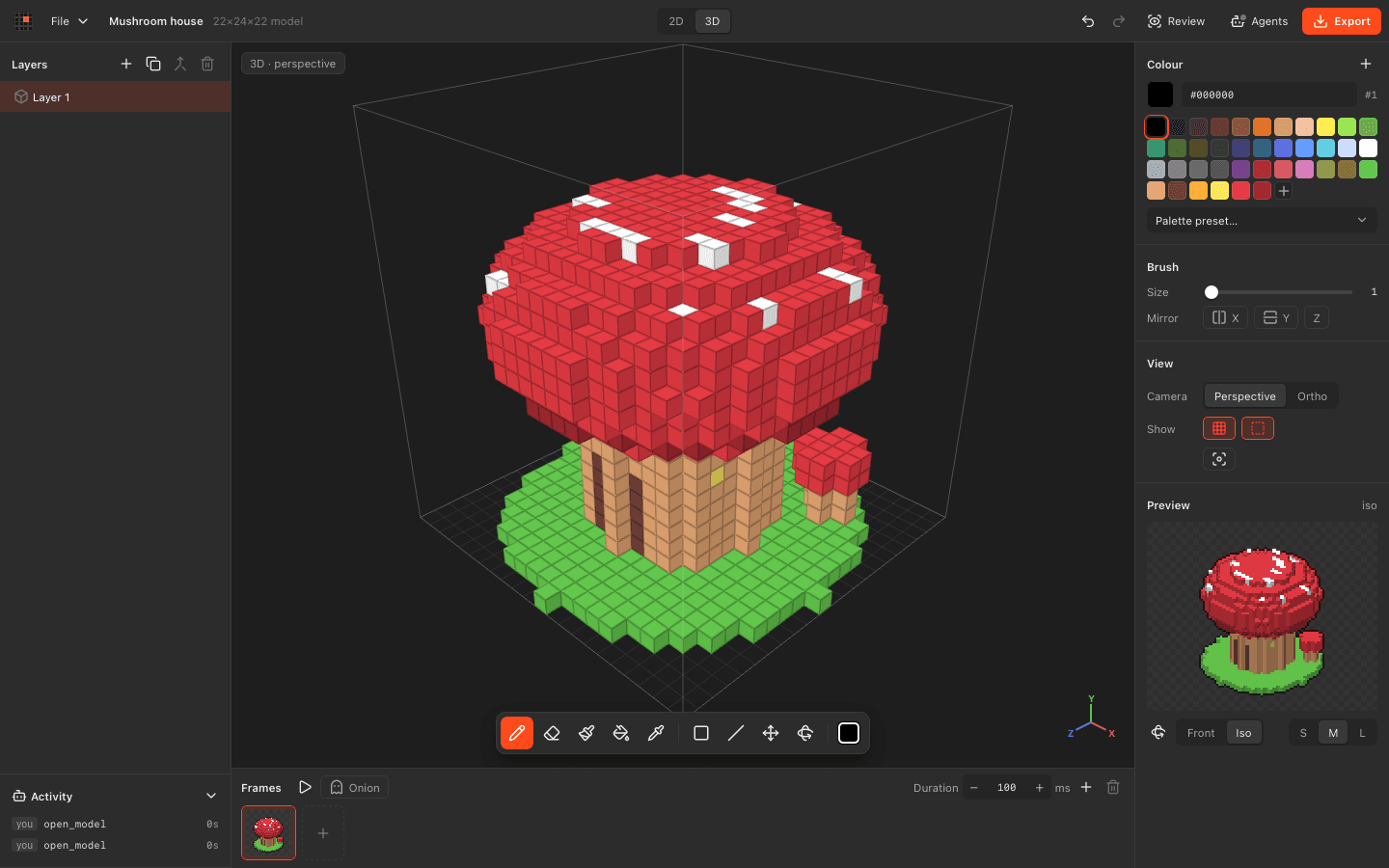 OpenPixelPirate Treasure ChestSaved
Download OpenPixel for macOS. Free and open source, with agents built in.